kMC Crystal Simulator
I built something
kMC Crystal is a general simulator for 2D crystal growth, under some basic simplifications. It can grow almost any design, as long as it can be specified in terms of local particle interactions, including non-periodic and off-lattice crystals. For instance, an infinite Sierpinski triangle.
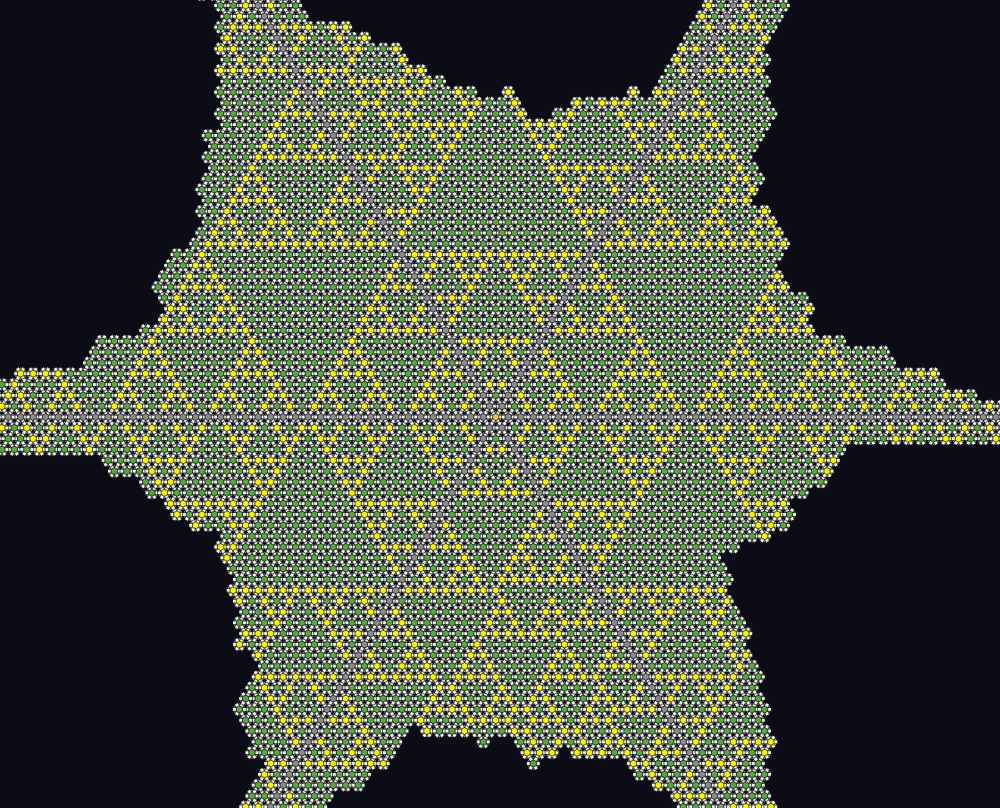
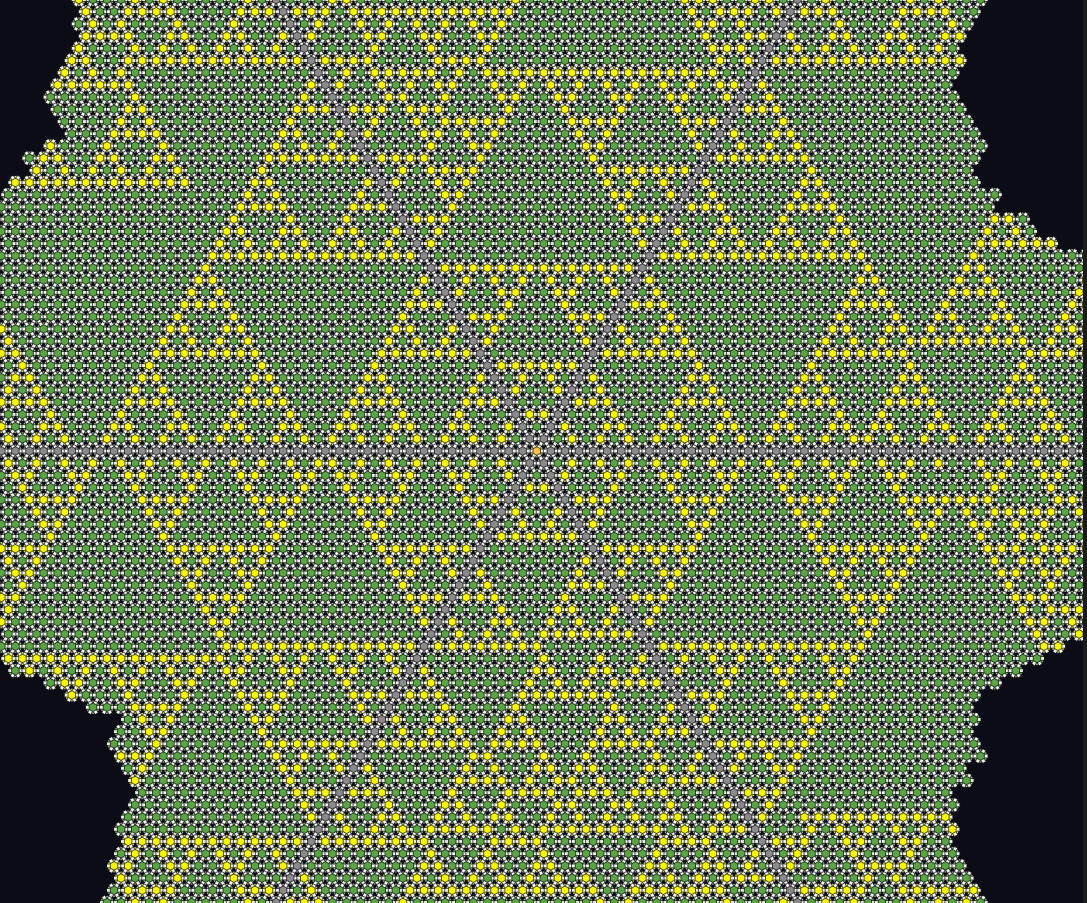
Motivation
Outside of drawing pretty pictures, I built this out of an interest in the general field of self-assembling molecules. In particular, self-assembling proteins and DNA, which are rapidly, and astonishingly, becoming plausibly useful.
Depending on your perspective, proteins are either massive molecules, or very small nano-machines. And for the first time ever, we’re getting very good at designing them. We’re approaching a future where we can design custom proteins with custom shapes, which associate with each other according to arbitrary rules, and build arbitrary structures on the scale of nanometers.
If you’re familiar with the nano-machines that already exist in biology, you’ll understand how exciting this is. Examples like microtubules, flagelli motors, or nuclear pore complexes, are coordinated structures of hundreds or thousands of proteins, so old and optimized by evolution that they feel like computer designed cathedrals. The possibility of generating comparable structures artificially is remarkable.
There’s some existing work on building protein structures. Baker Lab, of course, has designed proteins which can self-assemble into crystal structures, or geometric shapes. And there’s significant comparable work in designing DNA sequences origami, using the extremely selective pairwise interactions between DNA strands and their reverse complements to design nano-molecules that naturally grow into structures.
However, almost all existing work is focused on engineering a few molecules at the residue or nucleotide level. I think it’s worth jumping ahead a few years, and asking what it looks like when we’re so good at molecule design that we can simply specify molecule shapes and interactions and compile a set of particles. Even with no other capabilities, this is enough to generate complex, fascinating behaviors.
This simulator is a statistical sampler which produces the crystal structures that would result from particle interactions. It can simulate the platonic solids or lattice grids already being produced, but it can also simulate the much larger, hypothetical, structures that could be built in a few years time. In a plausible future, something like this would be an essential nano-engineering tool, but for now it’s mostly just fun.
Simulation Formalism
There are many particle simulators, but this one is mine. It is designed to simulate the statistics of crystal growth under arbitrary particle interaction profiles, under the assumption of a “mostly” static crystal structure.
While a truly correct simulation would run something like a Langevin dynamics simulation of interacting particles in a solute e.g. HOOMD, this is prohibitively expensive for space and time scales of large-structure crystal growth (in-browser). At the same time, Wang tile based simulations, such as kTAM or aTAM, are too restrictive for the geometries I want.
I simulate crystal growth using a kinetic Monte Carlo scheme in which the attachment rates of new particles to the crystal structure, and detachment rates of existing particles, are tracked approximately, and then sampled from according to transition rates proportional to \(\exp(\frac{-\Delta G}{K_B T})\), where \(\Delta G\) is total binding energy of the particle to its new neighbors. This means the simulation only runs computations for events which modify the crystal structure, with no computation spent on simulating particles outside of the structure in between attachment or detachment events.
Attachment events are sampled hierarchically, with the simulation first selecting a root particle for the attachment, and then sampling from potential positions and orientations of an adjacent new particle according to their estimated \(\Delta G\). For efficiency, I assume the addition of a new particle will not significantly change the crystal structure while estimating \(\Delta G\), which may significantly bias sampling statistics for flexible structures. Fully accurate sampling from the hierarchical scheme would also require implementing rejection sampling to avoid biasing by inaccuracies in the root particle attachment rate, and to avoid double-counting particle attachment events that could be rooted in multiple particles simultaneously. I leave this out, both to keep simulation speed as high as possible and because it’s too much work for a side-project. If you’re interested in using this simulator for a scenario in which this would be important, please contact me.
Patchy-Particles
Each simulated particle carries a set of directional binding sites called patches. A patch is defined by its angular position in the particle’s body frame and a named type. When the particle rotates, all of its patches rotate with it, so the geometry of a particle is fully determined by its orientation angle together with the fixed body-frame positions of its patches.
Interaction Potential
Two nearby particles interact through every pair of patches they carry. For a given patch pair, the energy has the form
U = ε · bump(r) · g(θ_i) · g(θ_j)
The radial factor bump(r) is a smooth, compactly supported function that equals 1 at contact distance and falls to zero at a configurable cutoff radius. It is strictly zero outside that support, so patch interactions are short-ranged. The angular factors g(θ) = exp(-(1 - cos θ) / σ²) measure how well each patch points toward the other particle: θ_i is the angle between patch i’s direction and the inter-particle axis, and σ is a per-side angular half-width. When both patches point directly at each other, both angular factors equal 1 and the full well depth ε is realized. Misalignment suppresses the energy exponentially, so a patch pair only contributes meaningfully when both particles are simultaneously well-oriented.
Backbone repulsion is always present independently of patches, handled by a purely repulsive hinge potential. Patch interactions add an orientation-dependent attractive correction on top of that floor.
Implications for Self-Assembly
Because attraction only occurs when patches on opposite particles are co-aligned, the geometry of patches on each particle type directly encodes the binding rules of the intended crystal. A particle with four patches at 0°, 90°, 180°, and 270° will preferentially bind along four perpendicular directions, generating a square lattice. More complex arrangements such as staggered, chevron, or spiral, follow directly from the patch geometry and the interaction table, without any additional logic in the simulator itself. The entire design space of patchy-particle crystals is therefore expressed through configuration.
Using the Interface
Editor
The editor (editor.html) is a three-panel design tool for building particle configurations without hand-editing JSON.
The left panel manages patch types and their interactions. Each patch type has a name and a color. The interaction table below the palette shows every pair of patch types; clicking a cell lets you set the well depth ε, the per-side angular half-widths, and the radial cutoff for that pair. Only enabled pairs participate in the energy.
The center panel is the particle type designer. Each particle type appears as a card with a circular canvas preview showing the particle body and its patches as colored dots. Dragging a patch token from the left panel onto a card adds that patch type to the particle; dragging an existing patch on the card rotates it. A snap toggle constrains angles to multiples of 15°. Each card also has fields for the particle radius, display color, and chemical potential μ, which controls how strongly that species is driven to attach.
The right panel is a live physics preview. Particle type cards from the center panel can be dragged and dropped onto the preview canvas to place instances. The WASM engine runs a continuous force-and-torque relaxation so placed particles immediately settle into their lowest-energy orientations. This lets you verify that a proposed patch layout produces the binding geometry you intend before committing it to a full simulation.
When the design is ready, the Export button downloads the configuration as a JSON file. The Simulate button pushes the current configuration directly to an open simulator tab via a broadcast channel and reopens that tab, so no file round-trip is needed.
Simulator
The simulator (index.html) runs the KMC engine and renders the growing crystal in real time. A sidebar provides runtime controls. The steps-per-frame slider sets how many KMC events are processed between renders, trading visual smoothness for throughput. The temperature slider adjusts kT live and takes effect on the next event. Per-species chemical potential sliders appear automatically based on the loaded configuration and let you drive or suppress individual species independently.
A stats readout shows the current particle count, the accumulated KMC time, and the render frame rate. The Pause and Step buttons stop or advance the simulation one batch at a time. Reset reinitialises the simulation from the current configuration without reloading the page.
The config panel at the bottom of the sidebar lets you switch between built-in preset configurations or paste and apply arbitrary JSON directly in the browser.